PagSeguro Integration
Accept Bitrix24 payments via PagSeguro
-
評分
-
安裝395
-
開發人員Bitrix24 Integrations
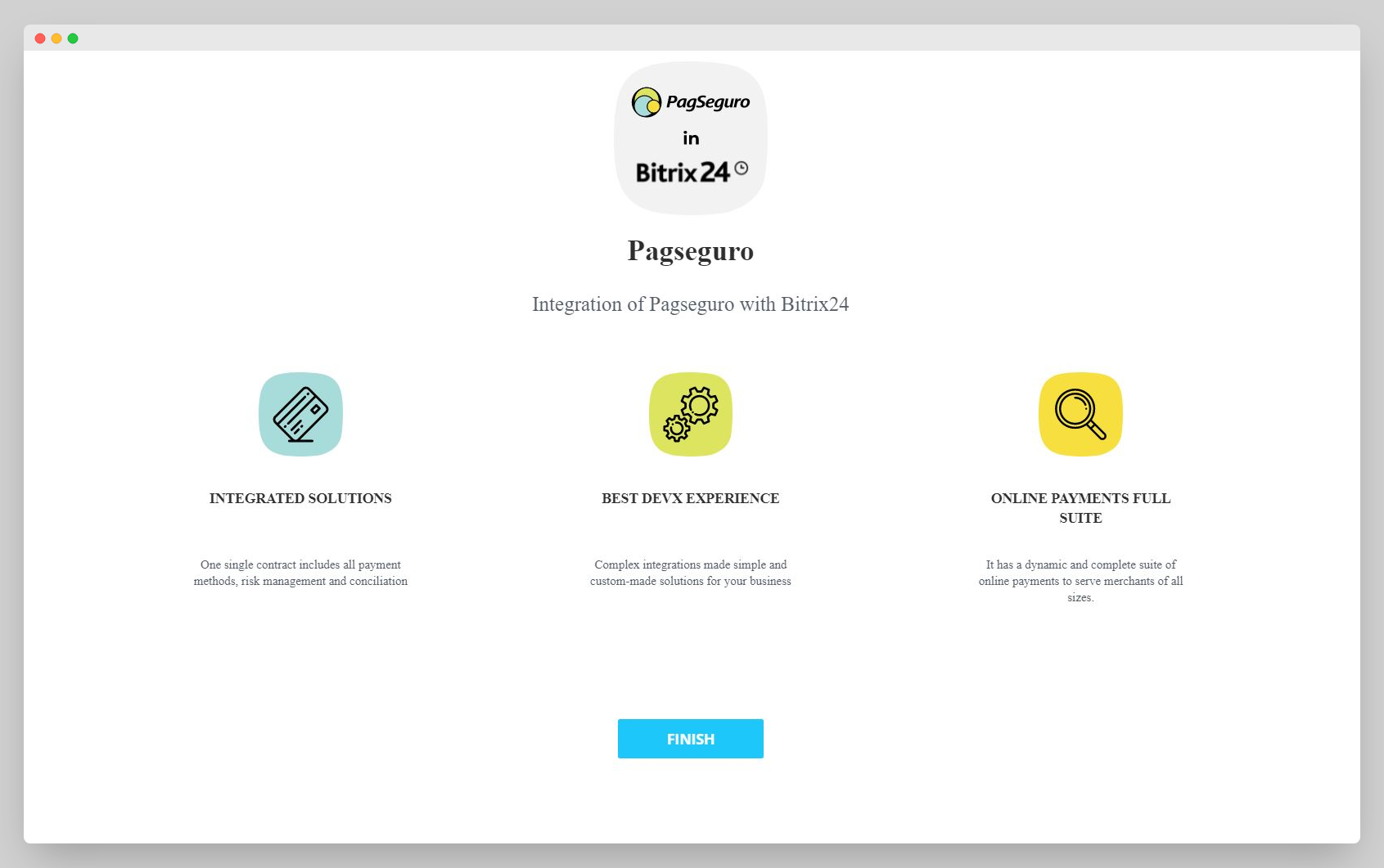
PagSeguro Integration helps sales and finance teams collect payments in Bitrix24 using a local payment system. It is built for businesses that issue invoices, deals, or orders in Bitrix24 and want customers to pay through PagSeguro. This keeps payment status updated in CRM and reduces manual follow‑up.
Why businesses use it
When customers prefer local payment methods, payment collection can slow down deals. This integration keeps the payment flow tied to Bitrix24 and updates invoice status automatically.
Business value
• Faster payments with local methods through PagSeguro
• Less manual payment tracking with automatic status updates
• Clearer invoice and deal status in CRM
• Flexible payment method setup by invoice type
Common use cases
• Send Bitrix24 invoice links and accept PagSeguro payments
• Collect payments for deals and online store orders
• Offer multiple local payment method subtypes
• Use Bitrix24 payment scenarios (invoices, deals, orders)
How it works
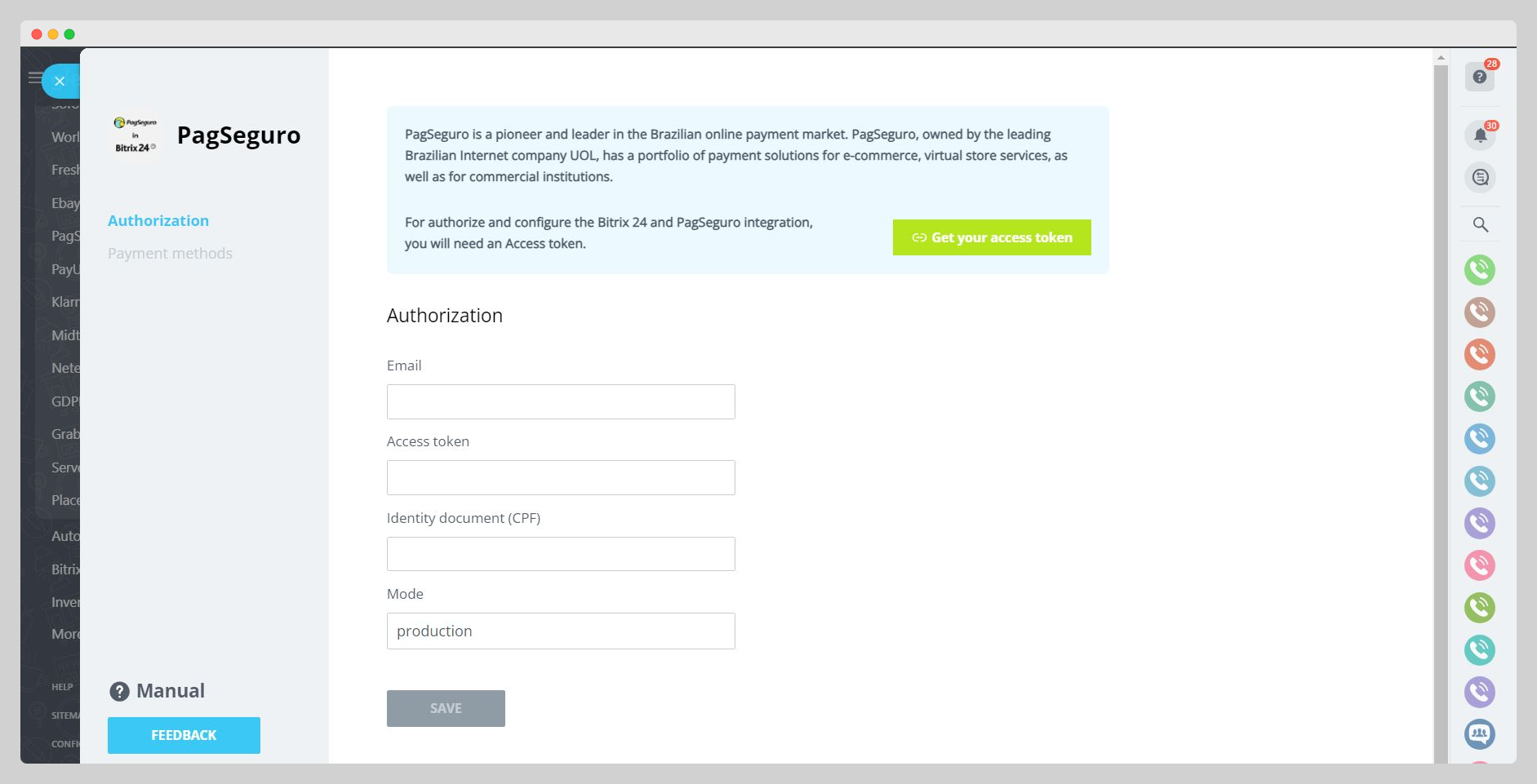
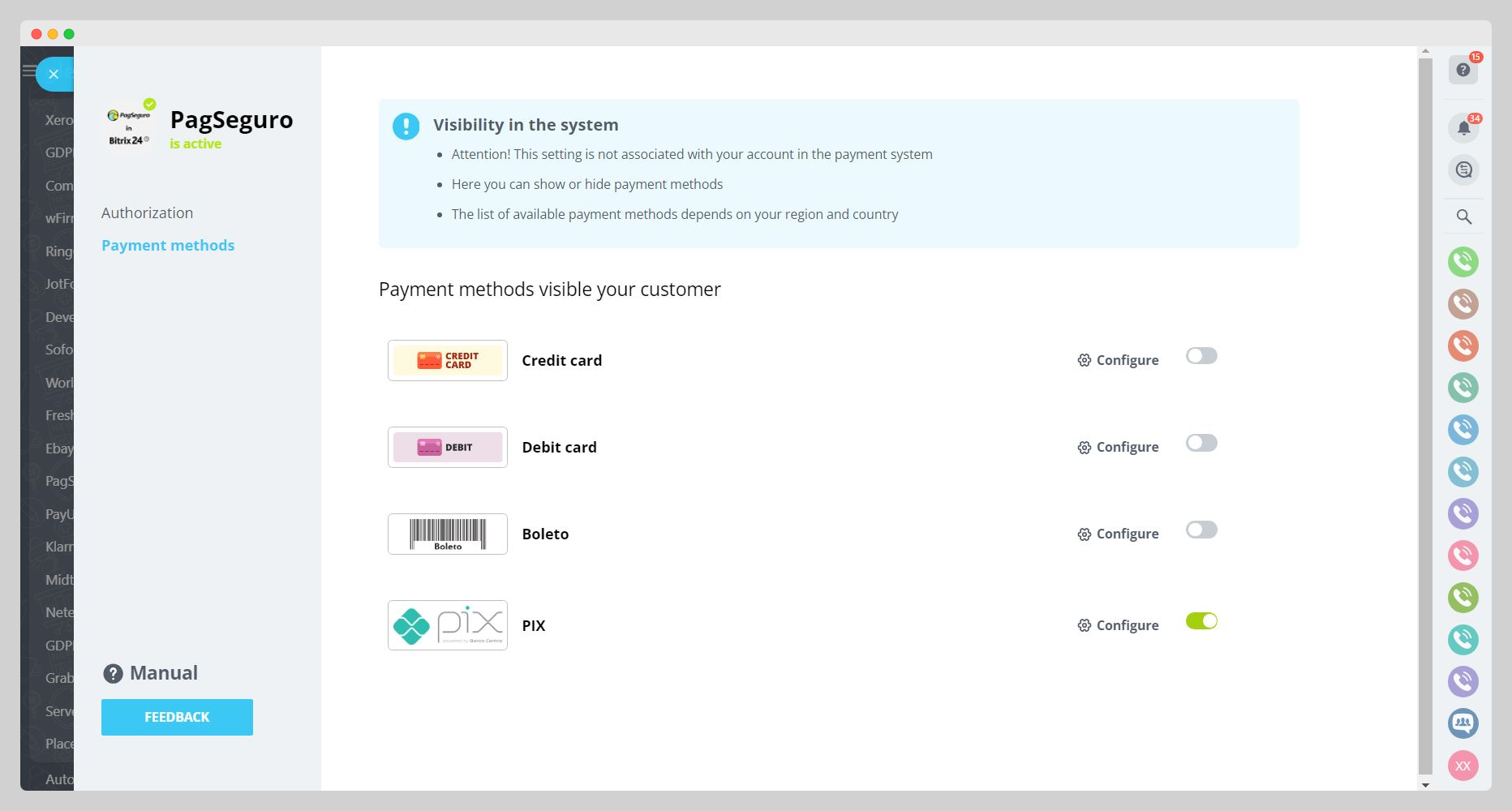
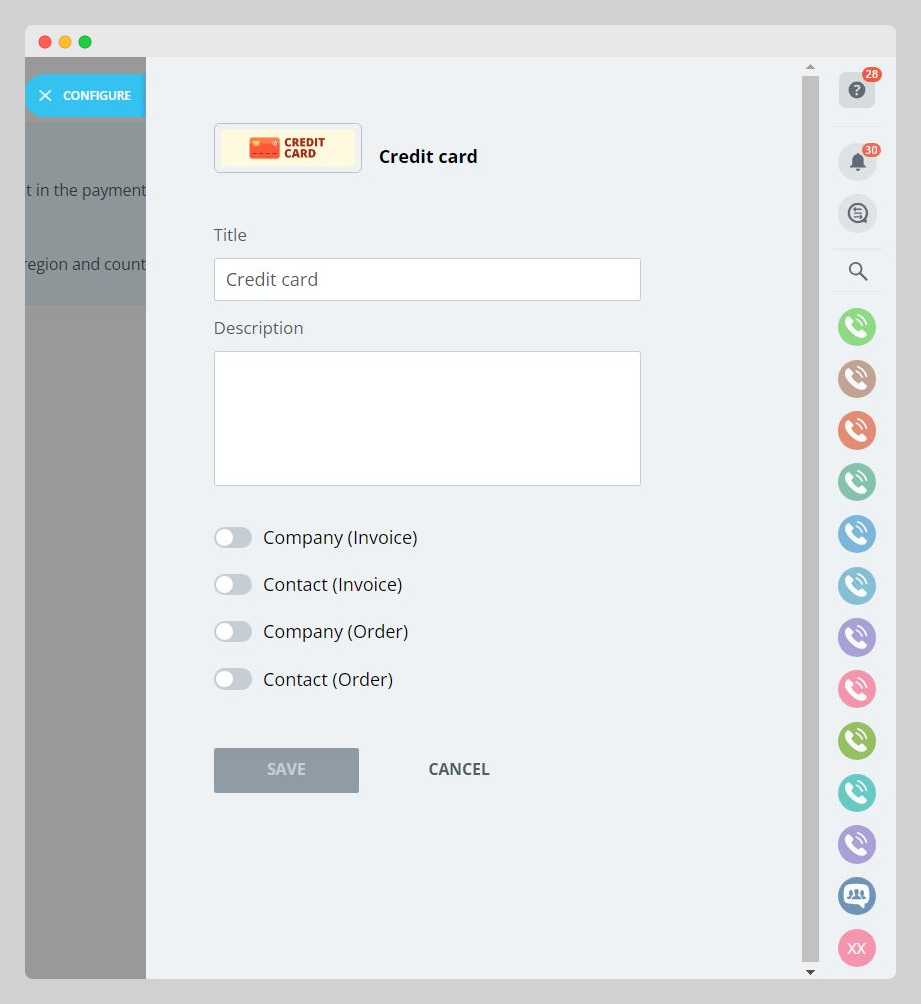
Install the app from Bitrix24.Market and authorize in Sandbox or Production mode. Enter your PagSeguro email, access token, and Identity Document (CPF), then save and select payment methods and subtypes for Contact/Company (Invoice) and Contact/Company (Order). If authorization data is incorrect, disable the integration and re‑enter the correct values. The app works with Bitrix24 commercial plans only. Free plan users can test it during the trial period and then upgrade to a commercial subscription.
FAQ
We want to test payments before going live. Is there a test mode?
Yes. You can choose Sandbox mode during authorization.
We use new deal‑based invoices and online store orders. Are they supported?
Yes. Use Contact/Company (Order) subtypes for new invoices and online store orders.
We need to change authorization data. How do we do it?
Use the “Disable Integration” option, then enter the correct email and access token again.


版本歷程
版本 3
Important! Payment is possible only in one currency - BRL (Brazilian Real). All transactions will be paid in Brazilian reals.
版本 2
Now you can use PagSeguro to pay for Bitrix24-generated invoices!
It’s simple: create an invoice and send link to client for transaction via familiar and convenient payment system. No limits or hassle: create and pay an invoice within 10 minutes.







.png)