
Workload and efficiency
Monitor team task load and execution speed in Bitrix24
免費
-
評分
-
安裝14681
-
開發人員Alaio, inc
描述
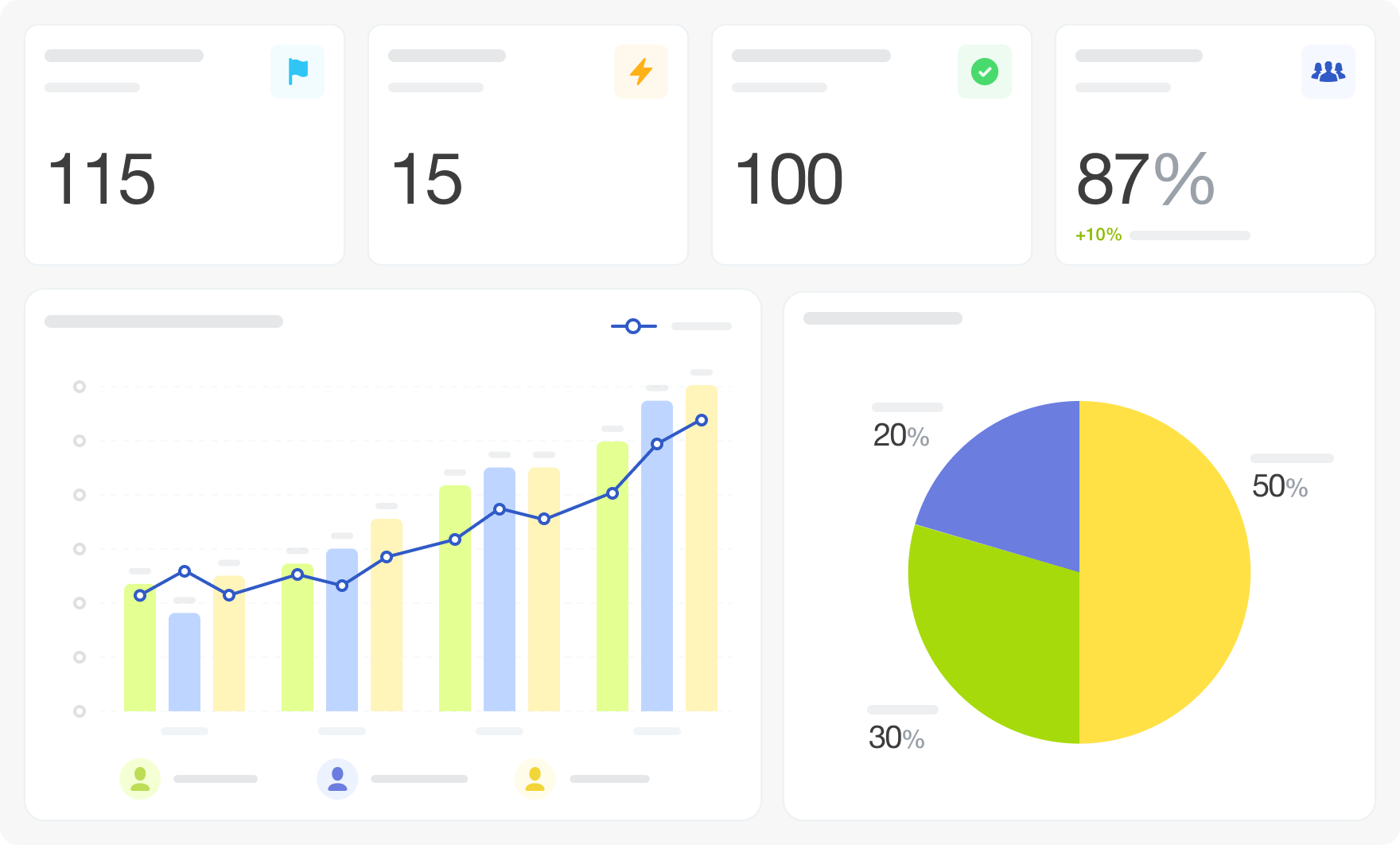
Workload and Efficiency Management gives managers a team-level view of task activity: how many tasks are in progress, who is assigning them, how quickly tasks are completed, and how volume is trending over time.
Why businesses use it
Managers need to see the full picture of team workload — not just individual task lists. Understanding who assigns tasks, how fast they move, and where volume spikes helps balance load and catch slowdowns early.
Business value
The dashboard connects to Bitrix24 task data. Thirteen visualizations cover tasks in progress with execution dynamics, a breakdown of who assigns tasks, new task volume, assignment statistics, closed task count, and execution speed trend. Filters: Period, Assignee, Assignee Department, Assigner, Assigner Department.
FAQ
Why businesses use it
Managers need to see the full picture of team workload — not just individual task lists. Understanding who assigns tasks, how fast they move, and where volume spikes helps balance load and catch slowdowns early.
Business value
- See tasks in progress and their execution dynamics at a glance
- Understand who is assigning the most tasks and to whom
- Track new task volume and closed task counts over time
- Monitor execution speed trends across the team
- Check whether the team's task completion rate is keeping up with incoming volume
- Identify which assigners are generating the highest workload
- Review weekly task closure trends
- Spot periods of unusually high or low execution speed
The dashboard connects to Bitrix24 task data. Thirteen visualizations cover tasks in progress with execution dynamics, a breakdown of who assigns tasks, new task volume, assignment statistics, closed task count, and execution speed trend. Filters: Period, Assignee, Assignee Department, Assigner, Assigner Department.
FAQ
- We know tasks are piling up but can't tell if the team is actually falling behind or just receiving more work than usual. How do we distinguish?
- I want to see which managers are overloading specific employees with tasks. Is that possible?
- We have a feeling team execution slowed down after a process change but can't prove it. What should I look at?
- What is needed to connect to Bitrix24?

版本歷程
版本 4
bug fixes
23.06.2026
版本 3
bug fixes
23.03.2026
版本 2
bug fixes
06.06.2025


