
My workload and efficiency
Track your personal task load and performance in Bitrix24
免费
-
评分
-
安装数15045
-
开发人员Alaio, inc
描述
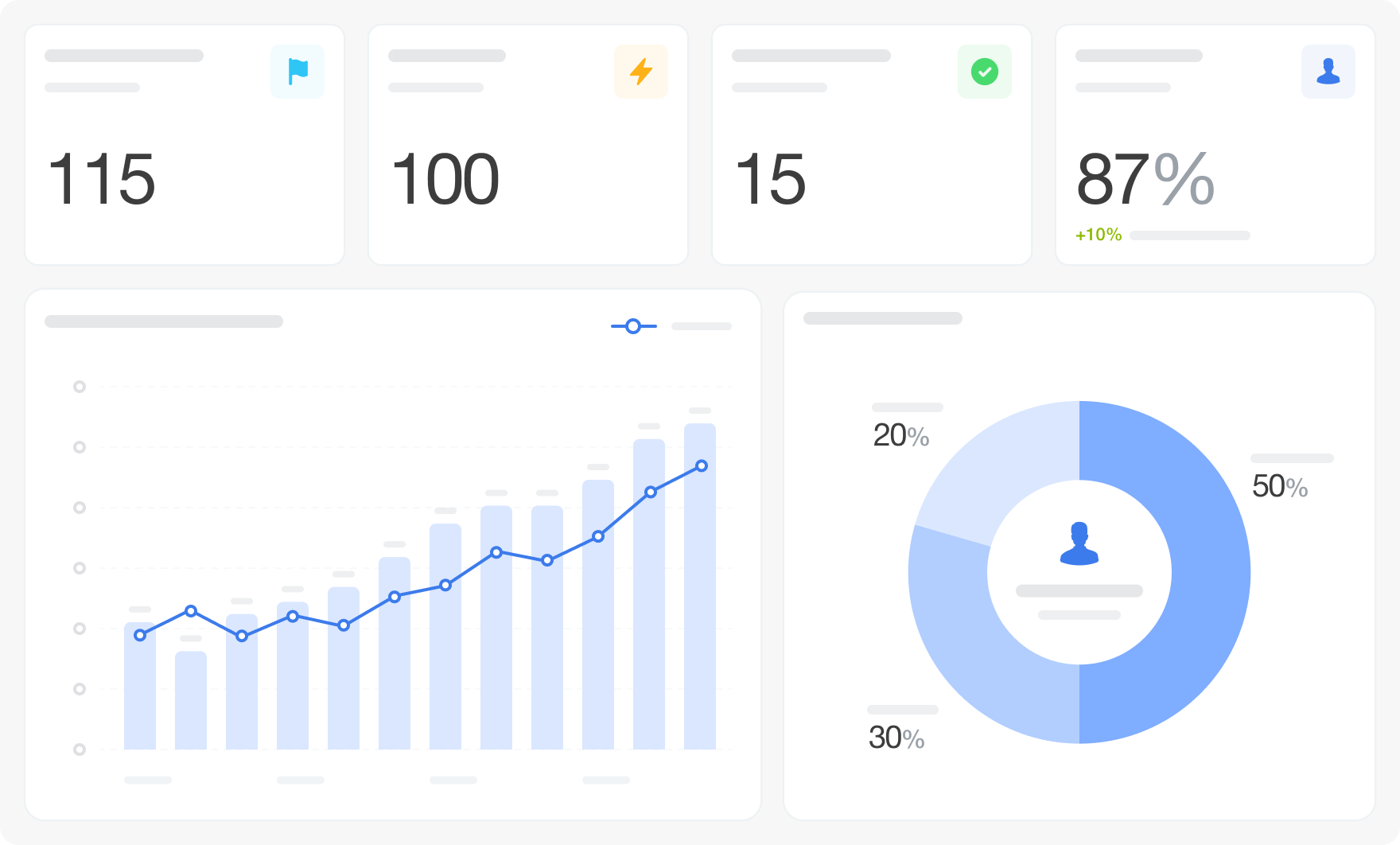
My Workload and Efficiency gives individual employees a personal view of their task activity — how many tasks are in progress, who assigns them, how many are new and completed, and how their execution speed trends over time.
Why businesses use it
Employees need visibility into their own workload to self-manage effectively. A personal dashboard filtered to their own tasks makes it easy to spot overload, track progress, and understand assignment patterns without asking a manager.
Business value
The dashboard filters all task data to the current user and presents 19 visualizations covering personal tasks in progress with execution dynamics, assignment source breakdown, new task volume, assignment statistics, closed task count, and execution speed trend. Filters: Period.
FAQ
Why businesses use it
Employees need visibility into their own workload to self-manage effectively. A personal dashboard filtered to their own tasks makes it easy to spot overload, track progress, and understand assignment patterns without asking a manager.
Business value
- See your own tasks in progress and execution dynamics
- Understand which colleagues or managers assign most of your work
- Track your new and completed task volume over time
- Monitor your personal execution speed trend
- Check how many of your tasks are currently active and how quickly they're moving
- Identify which assigners are contributing most to your workload
- Review your weekly task closure count
- Prepare for a 1:1 or performance review with your own data
The dashboard filters all task data to the current user and presents 19 visualizations covering personal tasks in progress with execution dynamics, assignment source breakdown, new task volume, assignment statistics, closed task count, and execution speed trend. Filters: Period.
FAQ
- I want to understand my own workload without asking my manager to pull a report. Can I do that here?
- I keep missing deadlines but I'm not sure whether it's because I take on too much or start tasks too late. What shows that?
- I want to prepare for a performance review but don't have my own data. Where do I start?
- What is needed to connect to Bitrix24?

版本历史
版本 4
bug fixes
23.03.2026
版本 3
bug fixes
22.04.2025
版本 2
bug fixes
17.04.2025


